

Key Takeaways
-
Back up your photos, contacts, messages, and important files before resetting your phone.
-
Make sure your data has transferred properly to your new device before erasing the old one.
-
Sign out of your account ID, Google account, and other linked accounts to remove activation locks and security protections.
-
Remove SIM cards, eSIMs, and memory cards before handing over your device.
-
Check your phone’s condition, including the screen, battery health, cameras, charging port, and speakers.
-
Clean your phone carefully using a microfibre cloth and avoid harsh cleaning tools or excess moisture.
-
Factory reset your device so it returns to its original setup screen.
-
Confirm the phone no longer asks for your old account ID or Google account after resetting.
-
Trade-in value depends on factors such as condition, storage capacity, battery health, device age, and market demand.
-
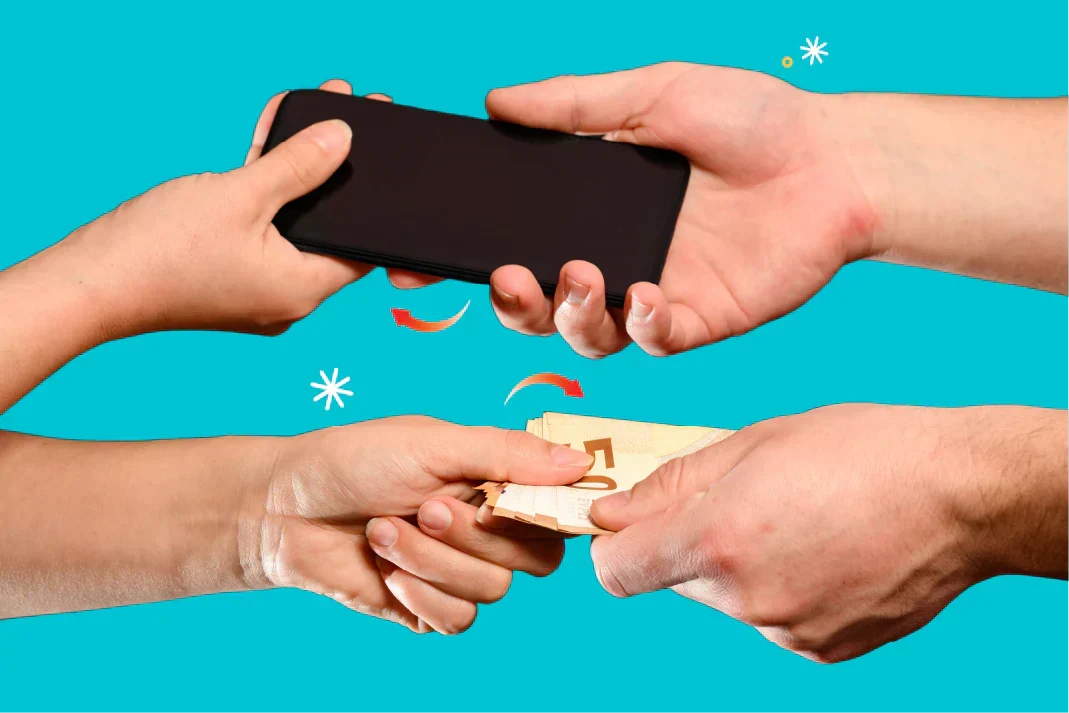
Trading in your old phone can help offset upgrade costs while reducing unused electronic waste at home.
Trading in your old phone is one of the easiest ways to offset the cost of an upgrade while clearing out devices you no longer use. Whether you’re switching to the latest iPhone, Samsung Galaxy, Google Pixel, or another model, preparing your device properly before handing it over matters more than many people realise.
A well-prepared phone can help you:
-
Protect your personal data
-
Avoid delays during assessment
-
Maximise your trade-in value
-
Prevent account lock issues
-
Make the process smoother for both you and the buyer
If you’re planning a phone trade-in, preparing your device properly can help make the process smoother. This guide walks through everything you need to do before selling or trading in your device in Singapore.
Why Proper Phone Trade-In Preparation Matters
Your smartphone contains a huge amount of personal information. Photos, banking apps, passwords, messages, emails, social media accounts, and stored payment methods can remain on a device if it isn’t properly reset.
Beyond security, the condition and setup of your device also affect how much your phone is worth. Phones that are factory reset correctly, free from activation locks, and prepared properly generally create a smoother trade-in process.
Before you trade in your phone, a few simple preparation steps can help you avoid:
-
Data leaks
-
Failed trade-ins
-
Lower offers
-
Locked devices
-
Lost photos and files
Think of it as preparing a car before selling it. A little effort beforehand usually pays off.
Steps to Prepare Your Phone For Trade-In
Step 1: Back Up Your Data

Before doing anything else, back up your phone.
Once you erase your device, recovering your files becomes difficult or impossible. Make sure everything important is safely stored before proceeding.
This includes:
-
Photos and videos
-
Contacts
-
WhatsApp chats
-
Notes
-
Documents
-
Passwords
-
App data
-
Calendar entries
How to Back Up an iPhone
You can back up your iPhone through:
-
iCloud
-
Finder on Mac
-
iTunes on Windows
For iCloud:
-
Go to Settings
-
Tap your ID
-
Select iCloud
-
Tap iCloud Backup
-
Press “Back Up Now”
Make sure your backup completes successfully before moving on.
How to Back Up an Android Phone
Android phones vary slightly depending on the manufacturer, but the process is usually similar.
For most Android devices:
-
Go to Settings
-
Select Google
-
Tap Backup
-
Turn on Backup by Google One
-
Start backup
Samsung users can also use Samsung Cloud or Smart Switch.
You can also use cloud storage services to back up important files and photos.
Step 2: Transfer Important Files to Your New Device

Backing up your phone is important, but you should also confirm that your files transferred correctly to your new phone.
Many users assume everything copied over automatically, only to discover later that:
-
Photos are missing
-
WhatsApp chats disappeared
-
Notes didn’t sync
-
Two-factor authentication apps were lost
Before resetting your old device:
-
Log into your new phone
-
Check your photo gallery
-
Open messaging apps
-
Confirm contacts are there
-
Test banking and authentication apps
This extra check helps prevent headaches later.
Step 3: Sign Out of Your Accounts

One of the most important trade-in preparation steps is removing your accounts from the device.
Phones linked to account IDs, Google accounts, or Samsung accounts may remain protected by activation or factory reset security systems after a reset. This can prevent the next user from using the device and may stop your trade-in from being accepted.
For iPhone Users
Before resetting:
-
Go to Settings
-
Tap your ID
-
Scroll down and tap Sign Out
-
Enter your password
-
Disable Find My iPhone
This removes Activation Lock from the device. This is especially important before completing an iPhone trade-in, as Activation Lock can prevent the next user from accessing the device.
For Android Users
Depending on the device:
-
Open Settings
-
Go to Accounts or Passwords & Accounts
-
Remove your Google account
-
Remove Samsung, Xiaomi, Huawei, or other linked accounts if applicable
Also disable:
-
Find My Device
-
Any linked account protection features if applicable
On some Android devices, resetting through Settings may automatically remove account protection, but removing linked accounts beforehand is still recommended to avoid verification issues later.
Step 4: Unpair Connected Devices

Many smartphones remain linked to accessories and wearables even after the phone is erased.
Before trading in your device, unpair:
-
Smartwatches
-
Wireless earbuds
-
Bluetooth trackers
-
Fitness bands
-
Car Bluetooth systems
Important for Apple Watch Users
If you use an Apple Watch, unpair it properly through the Watch app on your iPhone. This also removes Activation Lock from the watch.
Failing to do this may cause pairing issues later.
Step 5: Remove SIM Cards, eSIMs, and Memory Cards

This step sounds obvious, but many people forget it.
Before handing over your device:
-
Remove your physical SIM card
-
Delete any active eSIM profiles
-
Remove any microSD or memory cards if your phone uses them
Your SIM card may contain:
-
Your phone number
-
Carrier information
-
Contacts in some cases
Leaving it behind creates unnecessary privacy risks.
How to Remove an eSIM
On most devices:
-
Go to Settings
-
Open Mobile Network or Cellular
-
Select the eSIM
-
Choose Remove or Delete eSIM
If you’re unsure, check with your carrier first.
Step 6: Check the Condition of Your Phone

The condition of your phone directly affects its trade-in value.
Most buyers or trade-in shops assess:
-
Screen condition
-
Battery health
-
Camera functionality
-
Speaker performance
-
Charging capability
-
Cosmetic wear
-
Water damage indicators
Things to Check Before Trade-In
Test:
-
Face ID or fingerprint scanner
-
Buttons
-
Charging port
-
Cameras
-
Wi-Fi and Bluetooth
-
Touchscreen responsiveness
-
Microphone and speakers
If something isn’t working properly, disclose it honestly during assessment.
Minor scratches may still be acceptable, but major damage often lowers the value.
Step 7: Clean Your Phone Properly

A clean device creates a better impression during trade-in assessment.
You don’t need professional detailing, but basic cleaning helps.
Safe Cleaning Tips
Use:
-
A microfibre cloth
-
Lightly dampened alcohol wipes
-
A soft brush for ports and speakers
Avoid:
-
Excess water
-
Abrasive cleaners
-
Sharp objects in charging ports
Cleaning off fingerprints, dust, and grime makes the device look better and helps evaluators inspect it properly.
Step 8: Gather Accessories and Original Packaging

Including accessories can sometimes improve your overall trade-in experience.
Useful items include:
-
Original charging cable
-
Power adapter
-
Original box
-
Purchase receipts
-
Unused accessories
Not every trade-in provider requires them, but having the original box and accessories may help support resale value.
If you no longer have them, don’t worry. Most trade-ins still proceed without the original packaging.
Step 9: Factory Reset Your Phone

Once your data is backed up and accounts are removed, it’s time to erase the device.
This step removes nearly all user-accessible data and settings from the phone.
The device should return to its original setup screen once complete.
How to Factory Reset an iPhone
-
Go to Settings
-
Tap General
-
Select Transfer or Reset iPhone
-
Tap Erase All Content and Settings
-
Confirm
How to Factory Reset an Android Phone
-
Open Settings
-
Go to System
-
Tap Reset Options
-
Choose Erase All Data (Factory Reset)
-
Confirm
The process may take several minutes.
Step 10: Confirm Activation Locks Are Removed

This is one of the biggest causes of failed trade-ins.
After resetting your device:
-
Turn it back on
-
Check whether it reaches the setup screen
-
Make sure it does NOT ask for your old account ID or Google account
If it still requests your credentials, the activation lock or account protection was not removed correctly.
You’ll need to sign in again and remove the account properly before trading it in.
Step 11: Understand What Affects Trade-In Value
Many people assume phone value depends only on the model, but several factors matter.
Main Factors That Affect Trade-In Prices
-
Device Condition: Cracks, dents, scratches, and screen burn reduce value.
-
Battery Health: Lower battery health may impact pricing, especially for iPhones.
-
Storage Capacity: Higher storage variants often command better offers.
-
Device Age: Newer phones generally hold value better.
-
Market Demand: Popular models usually receive stronger trade-in offers.
-
Network Status: Phones that are carrier-locked or blacklisted may not qualify.
-
Replacement Components: Some trade-in providers may assess repaired devices differently depending on the replacement components used.
Common Mistakes to Avoid During Phone Trade-In
A surprising number of trade-ins run into avoidable problems.
Forgetting to Back Up Data
Once erased, recovery is difficult.
Always double-check backups before resetting.
Leaving Activation Lock Enabled
This is extremely common and can delay or cancel the trade-in process.
Forgetting SIM Cards
Users often leave SIM cards inside old phones.
Always eject the SIM tray before handing over the device.
Hiding Device Problems
Most trade-in assessments include device testing. It’s better to disclose issues upfront.
Waiting Too Long
Phone values depreciate over time. Delaying your trade-in by several months may reduce the device’s value, especially after new flagship launches.
Tips to Maximise Your Phone Trade-In Value

If you want the best possible trade-in value, these tips can help.
Use a Protective Case Early
Phones with fewer scratches generally receive stronger valuations.
Avoid Low-Quality Replacement Components
Lower-quality replacement screens or batteries may affect assessment outcomes with some trade-in providers.
Trade In Before Major Product Launches
Phone values often dip after major smartphone launches.
Keep Battery Health in Good Shape
Avoid excessive heat and poor charging habits where possible.
Maintain Your Device Carefully
Well-maintained devices generally support smoother trade-in evaluations.
Why Trade In Phones with Mobile Life
If you’re looking to trade in your phone in Singapore, Mobile Life offers a convenient and straightforward process for a wide range of smartphones and devices.
With over 15 years of experience in the mobile phone industry, our team of highly trained technicians has a keen eye for device valuations, utilising the latest market data to give you the best value for your device. Trusted by over 150 mobile repair stores islandwide and thousands of customers, Mobile Life’s deep industry expertise, consumer-friendly practices, and fuss-free processes guarantee you a rewarding trade-in experience.
Whether you’re upgrading your iPhone, Samsung Galaxy, Google Pixel, Huawei, Xiaomi, or another device, Mobile Life provides:
-
On-The-Spot cash payouts
-
Island-wide pickup options
-
Instant phone trade-in prices
-
Competitive trade-in prices backed by market insights & demands
For users who regularly upgrade their phones, trading in old devices can help offset upgrade costs while reducing unused electronics at home.
Preparing your phone properly beforehand helps ensure the smoothest possible trade-in experience.
Final Thoughts
Preparing your phone for trade-in only takes a bit of time, but it makes a big difference.
By backing up your data, removing accounts, factory resetting the device, and checking its condition properly, you protect your privacy while helping the trade-in process go smoothly.
Whether you’re upgrading to a newer flagship phone or simply decluttering old devices, taking the right preparation steps can help you maximise value and avoid unnecessary problems later.
If you’re planning to trade in your device soon, using this checklist before handing over your phone is well worth the effort.
Frequently Asked Questions About Phone Trade-Ins
Should You Repair Your Phone Before Trade-In?

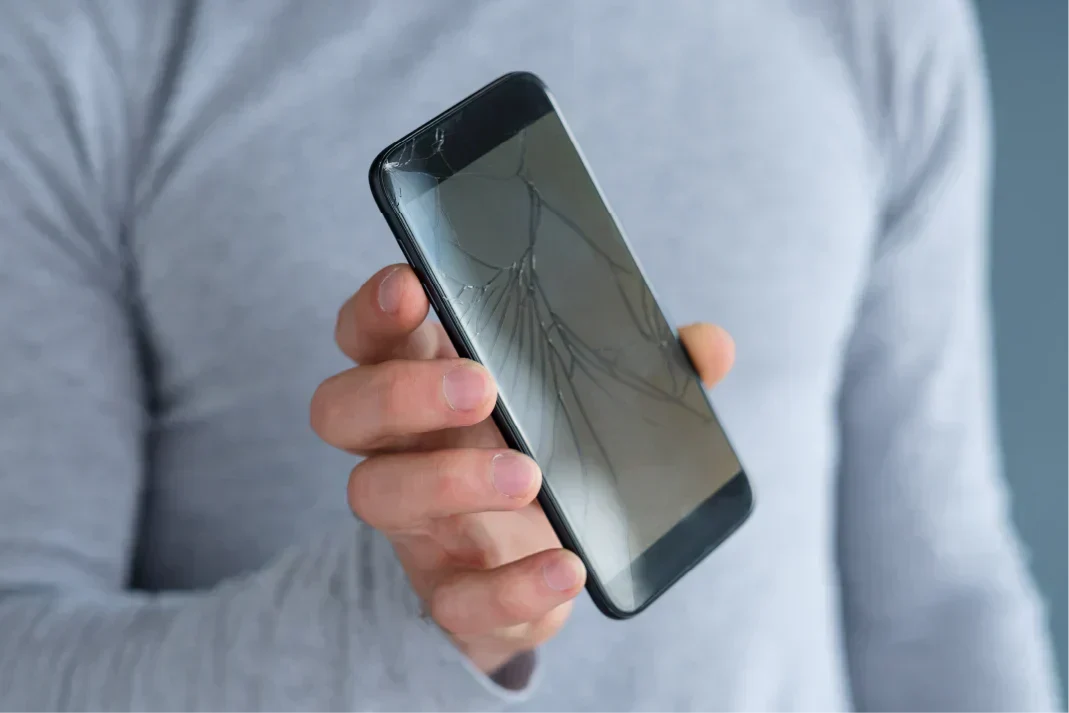
It depends on the severity of the issue. For example, if your iPhone has a cracked screen, battery problems, or charging issues, getting professional iPhone repair services first may help improve its trade-in value.
Minor Cosmetic Damage
Small scratches usually aren’t worth repairing before trade-in, as the repair cost may exceed the increase in trade-in value.
Major Damage
You may want to consider repairs if your phone has:
-
A severely cracked screen
-
Battery swelling
-
Charging issues
-
Camera failure
However, always compare the repair cost against the expected increase in trade-in value. In some cases, trading in a damaged phone as-is may make more financial sense.
Is It Better to Trade In or Sell Privately?
Both options have pros and cons.
|
Trade-In |
Private Sale |
|
|
For many users, trade-in offers a more convenient experience.
What Happens During a Phone Trade-In Assessment?
Most phone trade-in assessments involve:
-
Physical inspection
-
Functional testing
-
IMEI verification
-
Battery checks
-
Activation lock confirmation
-
Final valuation
Assessment times vary depending on:
-
Device condition
-
Queue
-
Device model
-
Testing requirements
Being prepared beforehand usually speeds things up considerably.
Why Trade In Your Phone Instead of Letting It Sit in a Drawer?
Many households have unused devices collecting dust.
Trading in your old phone helps:
-
Recover value
-
Reduce electronic waste
-
Support device recycling and refurbishment
-
Free up storage space at home
Even older phones may still retain some value depending on the model and condition.

Leave a comment
This site is protected by hCaptcha and the hCaptcha Privacy Policy and Terms of Service apply.